Workout timers
Keep the clock inside the workout.
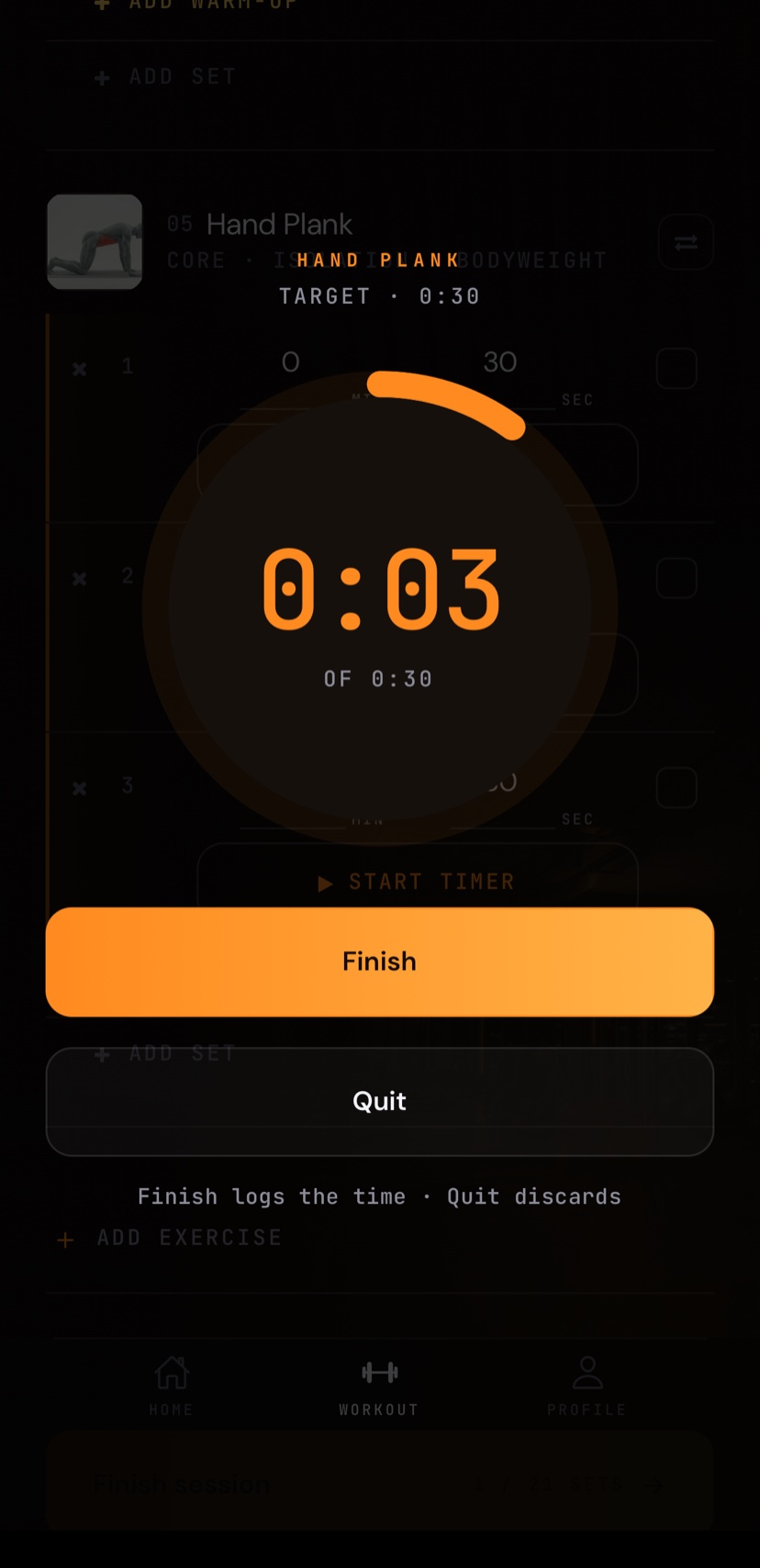
Start a time-based set from the exercise you are logging. The ring advances with every second, marks the target, and keeps counting until you finish.
Live timed set · 30-second target
 35
35
No separate clock
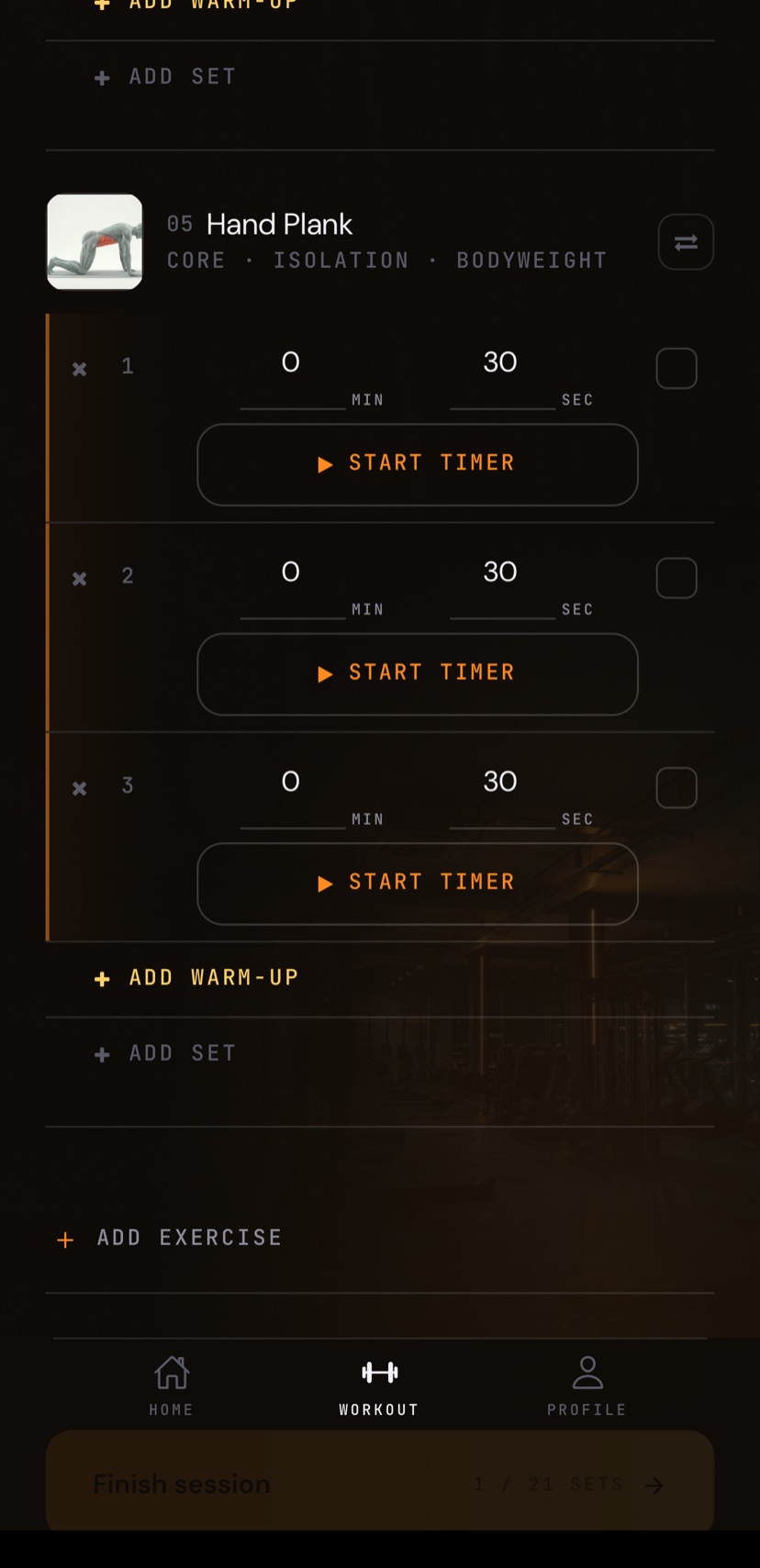
Start from the set you are logging.
A timed exercise keeps its minute-and-second target beside each set. Start the timer there, without switching to another app or losing your place in the workout.
Target reached
The goal is a moment, not a forced stop.
Your result
Finish saves. Quit discards.
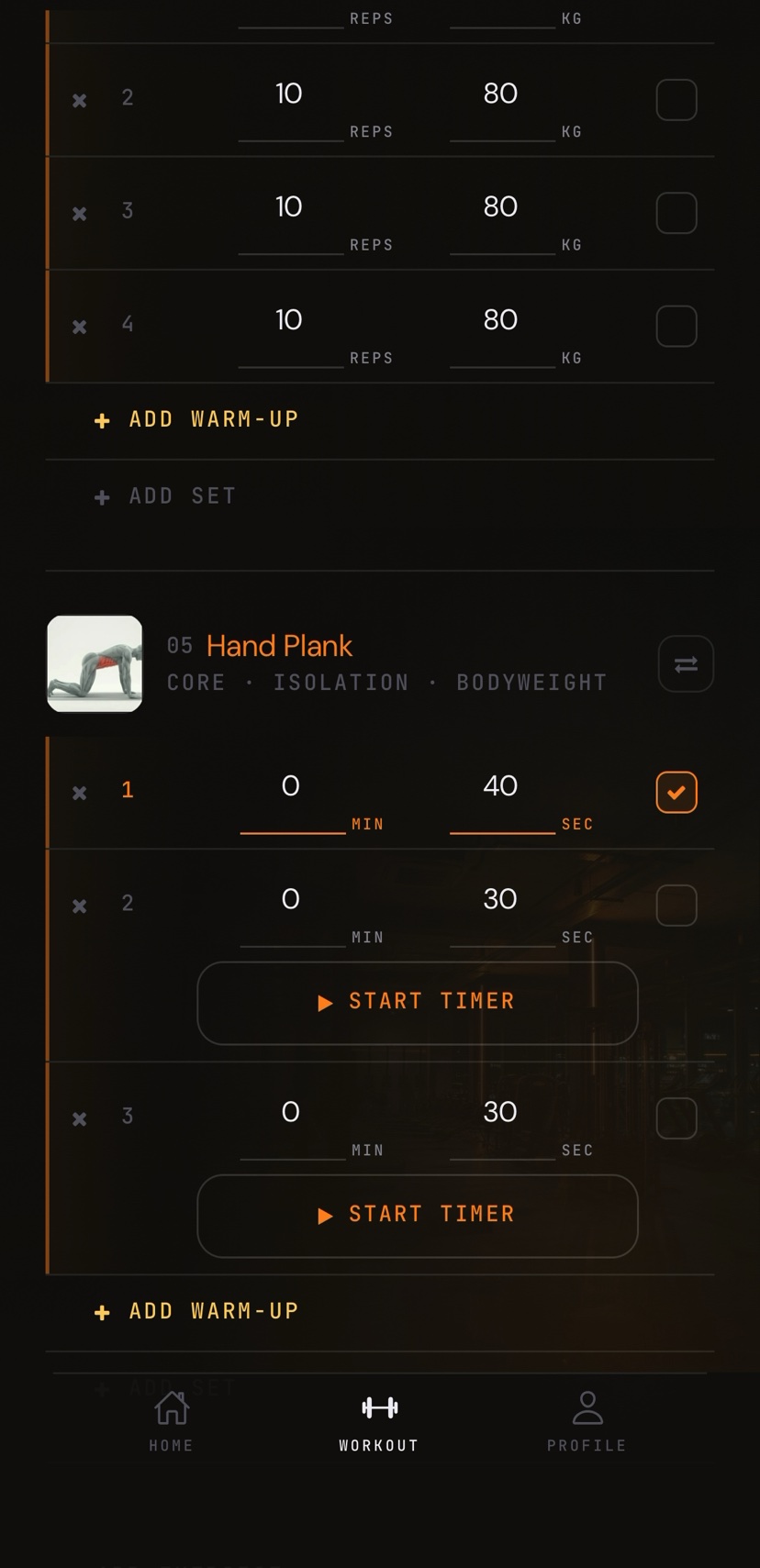
Finish the timer to write the completed duration back to that set. Quit when the attempt should not become part of the workout record.
Separate from timed exercise sets
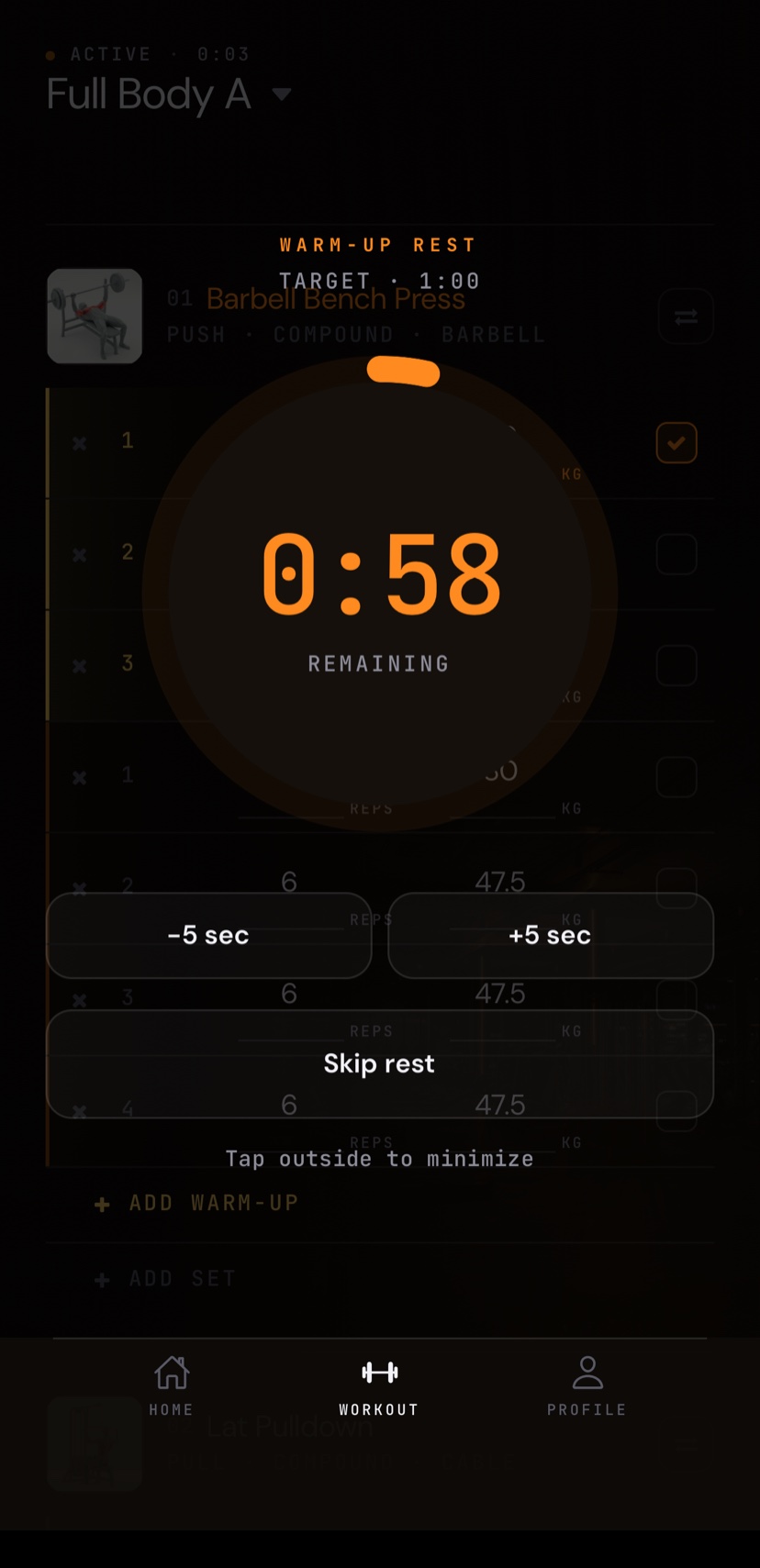
Warm-up rest is its own countdown.
When enabled, warm-up rest can begin after a completed warm-up. Adjust it by five seconds, minimize it, skip it, or turn the feature off in settings.
Two clocks, two distinct jobs.
Is this a standalone interval timer?
No. The timers are part of the active workout: one for time-based exercise sets and separate rest countdowns around logged work.
Can warm-up rest be turned off?
Yes. Warm-up rest is optional. You can adjust, minimize, skip, or disable that countdown.
What happens if I continue past the target?
The target is marked when you reach it, but the timed set can continue. Finishing saves the completed duration.
Stay in the set